5 Backup Security Checks MSPs Should Run Before Attackers Do
by Mike Andrews on Oct 8, 2026, 8:00:01 AM
Attackers have figured out that a business with working backups has no reason to pay. So, the backups get hit first. 94% attempted Attackers tried to compromise the backups of organizations hit by ransomware, and 57% of those attempts succeeded. Sophos, 2024 I've spent more than 30 ye …
Multi-Location Clients Need a Different Backup Plan Than Single-Site Ones
by Josefine Fouarge on Sep 23, 2026, 8:00:00 AM
When MSPs develop a backup strategy, they tend to follow a similar pattern: Figure out what's on the server Pick a schedule Set retention Done. This works great when your customer has one office with one server. But what about businesses that operate across multiple physical locations …
The 3-2-1 Backup Rule: A Practical Guide for Small Businesses
by Josefine Fouarge on Apr 9, 2026, 8:00:00 AM
The 3-2-1 backup rule means keeping three copies of your data, on two different types of media, with one copy stored offsite. It's a widely recommended baseline for small business data protection, endorsed by CISA as a practical defense against ransomware and hardware failure. A ranso …
5 Backup Trends You Don’t Want to Miss in 2026
by Mike Andrews on Jan 15, 2026, 1:50:50 PM

At the start of every year, vendors and analyst firms publish their predictions for what’s next in IT. In 2026, much of the conversation in backup and data protection revolves around AI-driven features, evolving compliance demands, and enterprise-scale architectures. But for smaller p …
Why Backups Fail in SMB Environments — and How MSPs Help Fix Them
by Josefine Fouarge on Dec 29, 2025, 9:15:00 AM
Backups fail. More often than not, this is not the fault of the backup software itself, but rather the result of small configuration issues that go unnoticed over time. In small- and medium-sized business (SMB) environments, IT setups are constantly evolving. New folders are created, …
Immutable Backups for SMBs: What They Are and When You Actually Need Them
by Josefine Fouarge on Dec 10, 2025, 11:00:29 AM
For years, backup strategies for small and midsized businesses (SMBs) followed a familiar pattern: copy the data, store it somewhere safe, and hope you never need to use it. But with the rise of targeted ransomware, insider threats, and increasingly complex regulatory requirements, ma …
Don’t Let Your Backups Fool You! Why Storage Hardware Health Matters
by Nathan.Fouarge on Nov 19, 2025, 4:01:23 PM
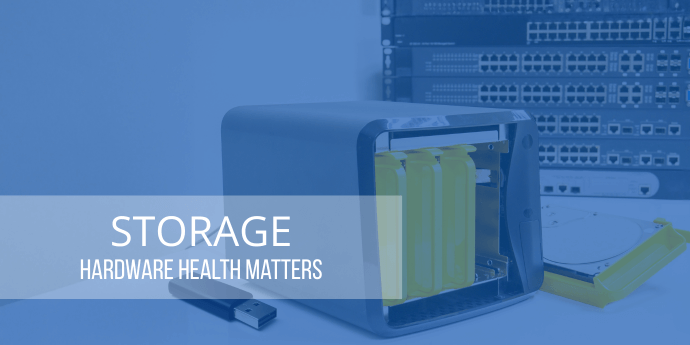
Over the past several months, we’ve seen a noticeable rise in support cases that had nothing to do with backup misconfiguration, retention settings, or scheduling issues. These were situations where everything on the software side looked perfect. The problem wasn’t the backup strategy …
Hybrid Backup for SMBs: Why Local + Cloud is the Best Strategy
by Bridget.Giacinto on Sep 8, 2025, 1:48:29 PM
For small and medium-sized businesses (SMBs), data security is no longer just an IT concern—it’s essential for survival. Every business relies on its data to keep operations running smoothly, from customer records and financial information to emails, applications, and operational syst …
Preparing for and Recovering from a Data Breach Guide for SMBs
by Josefine Fouarge on Jul 7, 2025, 8:30:00 AM
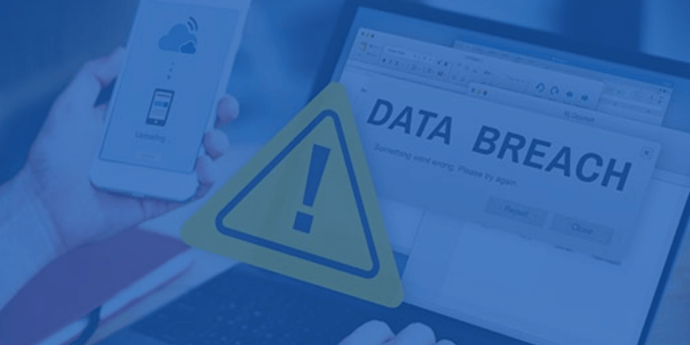
As an SMB, you might be wondering why you should care about data breaches, ransomware, and other cybersecurity issues. After all, SMBs are too small to be of interest to cybercriminals, right? Unfortunately, that’s not true, and this misconception can be costly.
Preparing for the End of Support for Windows 10
by Jon Ferraez on May 5, 2025, 11:14:35 AM
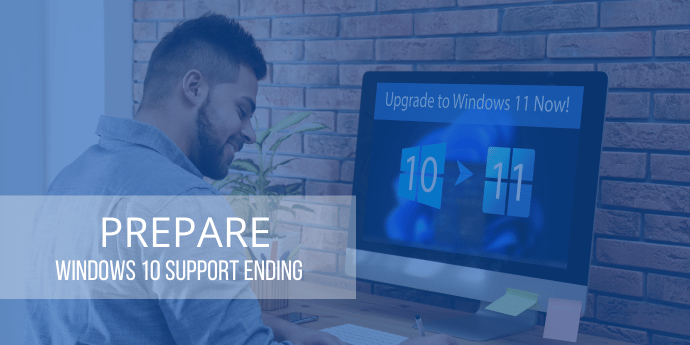
A Guide for Managed Service Providers Windows 10 will reach its End of Support on October 14, 2025 (Microsoft Lifecycle Policy). If you and your customers are still running this version of Windows, now is the time to prepare for a smooth transition to a newer Windows operating system …