
Why You Shouldn't Skip a Full System Restore Test to Different Hardware
by Nathan.Fouarge on Jul 23, 2026, 8:00:01 AM
A full system restore test that boots on the same hardware from which the backup was created proves that the backup file is intact. It doesn't show whether you can restore the server on different hardware than the current one, though. This distinction is more important in 2026 than it …
How to Test Your Disaster Recovery Plan: A Complete Guide to Backup Restorability
by Josefine Fouarge on May 13, 2026, 8:00:03 AM
A client calls at 9pm. Their server is down, files are encrypted, and operations are at a standstill. You open the backup dashboard and start a restore. That is when you discover the last twelve backup jobs completed with errors. The data you needed most is gone.
Preparing for and Recovering from a Data Breach Guide for SMBs
by Josefine Fouarge on Jul 7, 2025, 8:30:00 AM
As an SMB, you might be wondering why you should care about data breaches, ransomware, and other cybersecurity issues. After all, SMBs are too small to be of interest to cybercriminals, right? Unfortunately, that’s not true, and this misconception can be costly.
How MSPs and SMBs Ensure Fast and Reliable Recovery After Data Loss
by Nathan.Fouarge on Apr 7, 2025, 1:55:07 PM

When it comes to data loss, what usually makes the headlines? Data breaches and ransomware, of course. But surprisingly, these are far from the most prominent reasons for data loss, regardless of the size of your organization.
What Is the Difference Between File, Application, and Image Backup?
by Nathan.Fouarge on Nov 21, 2024, 11:15:00 AM
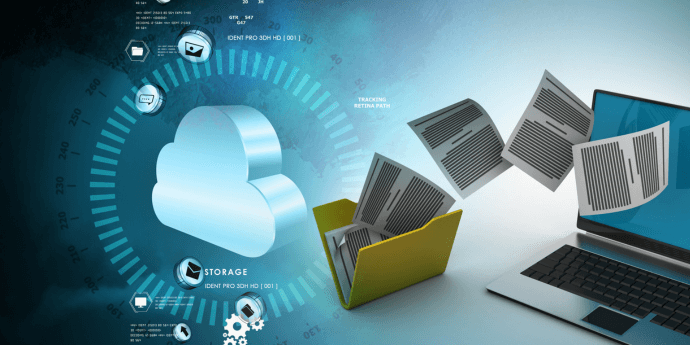
When managing backups, it is important to understand your options. Backups come in several forms - file backups, application backups, and Disaster Recovery or image backups - each designed to protect different types of data in different ways. Let's break down the key differences and s …
How Ransomware Has Changed the Way We Think About Backup
by Nathan.Fouarge on Apr 17, 2024, 11:57:52 AM

Backup used to be a way to get your data back when a hard drive failed or a system outlived its purpose. That is, in most cases, you could restore data from a backup made a day or two earlier with little or no data loss. This led to backup strategies that, for example, set retention t …
A New Backup & Disaster Recovery (BDR) Solution
by Sean Curiel on Dec 16, 2021, 10:52:27 PM
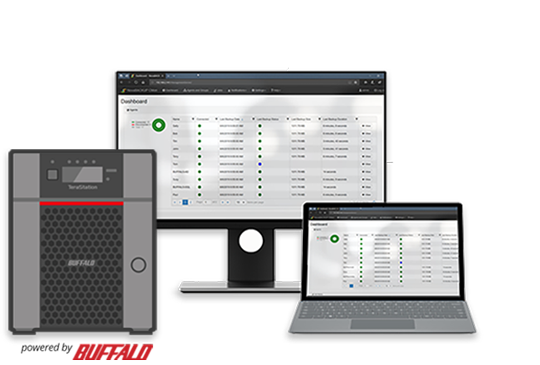
Hardware, Software, Cloud, and Support Bundle with a Low-Cost Monthly Subscription NovaBACKUP’s BDR Bundle is a turn-key, feature-rich BDR appliance backed by industry-leading software, hardware, and support. The bundle, created in partnership with Buffalo Americas, is designed for ma …
A Practical Guide to RAID Storage
by Bridget.Giacinto on Sep 10, 2020, 11:07:00 AM
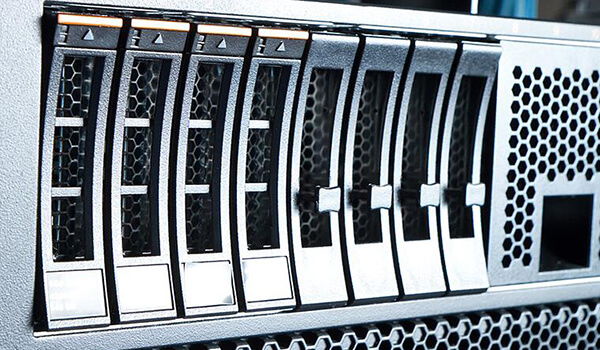
If uptime and availability are important to your business, you may want to consider using RAID storage as part of your data storage strategy. RAID writes data across multiple disks to provide redundancy. What is RAID Storage? RAID storage is a Redundant Array of Independent or Inexpen …
Business Continuity and Disaster Recovery
by Sean Curiel on Sep 3, 2020, 11:28:34 PM

It’s easy to imagine any number of disasters that could create a catastrophic data‑loss scenario—from hardware failure and ransomware to accidental deletion or a site-wide outage. In today’s always‑on environment, it’s not a matter of if – but when. With employees unable to access dat …
6 Reasons Backup Should Be the Core of Your Security Strategy
by Sean Curiel on Aug 6, 2020, 8:00:00 AM

We all know that backup is important, and you no doubt already have some kind of backup solution in place. What may be up for debate (at least between vendors) is what technologies are the foundation upon which an organization's security strategy should be built. For small businesses, …